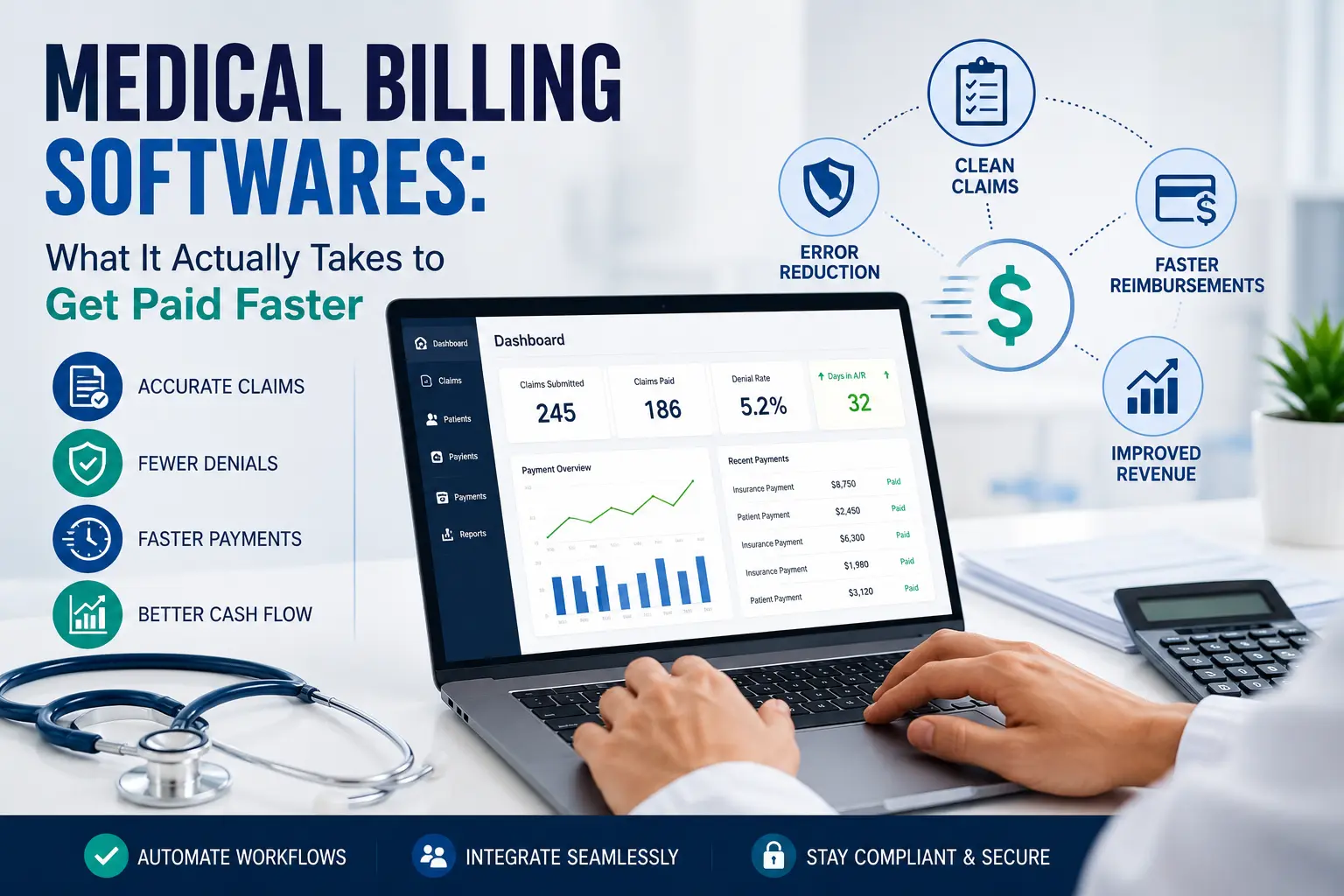
Choosing between medical billing softwares is rarely the hard part. Making it actually reduce denials, speed up reimbursement, and hold up when payer rules change mid-year, that’s where most practices get stuck. If you’re evaluating platforms right now, you’ve probably already noticed that every vendor claims to be “the most comprehensive solution” with “AI-powered” everything. Somebody has to cut through that.
We’ve spent years inside the revenue cycle for practices of every size, watching which software decisions paid off and which ones created new problems six months after go-live. This guide walks through what medical billing software actually does, what separates a platform that works from one that just looks good in a demo, and where the limits of software show up no matter how advanced the tool is.
Not sure whether software, staff, or a mix of both fits your practice? Talk to a billing specialist about your specific claim volume and specialty before you sign anything.
What Are Medical Billing Softwares?
Medical billing softwares are the systems practices use to turn a patient encounter into a paid claim. At a basic level, they capture charges, check them for errors before submission, send them to a clearinghouse or directly to a payer, and track the claim until it’s paid, denied, or needs a follow-up. Most platforms also handle patient statements, eligibility checks, and some level of reporting on how the practice is collecting.
The category spans a wide range. Some platforms are billing-only tools that plug into whatever EHR a practice already runs. Others are full practice management suites that combine scheduling, charting, and billing in one system. And a growing number are bundled with outsourced medical billing services, where the software is really just the front end for a team doing the actual claims work behind it.
Understanding which category a vendor falls into matters more than most buyers realize, because a billing-only tool and a full outsourced RCM platform solve very different problems. If you want the fuller picture of how billing actually flows from visit to payment, our guide on what medical billing is breaks down the entire cycle step by step.
Core Features That Actually Matter
Every vendor lists roughly the same feature set. What matters is how well each one is built, not whether it exists.
Claims Scrubbing and Edits
This is the feature that determines your first-pass acceptance rate, meaning how many claims go through clean the first time without a payer kicking them back. Ask any vendor for their actual scrubbing accuracy, not a marketing number. A platform that catches missing modifiers, mismatched diagnosis-to-procedure pairings, and payer-specific edit rules before submission will save far more time than one that only checks basic formatting.
Clearinghouse Connectivity
Your software needs a direct, reliable connection to a clearinghouse, and ideally to the specific payers your practice bills most. Some platforms route everything through a single clearinghouse partner, which can create a bottleneck if that connection has issues. Ask how many payers the platform connects to directly versus through a secondary clearinghouse.
Eligibility Verification
Real-time eligibility checks catch coverage problems before the appointment, not after the claim gets denied. This single feature prevents a meaningful share of avoidable denials, especially for practices seeing a high volume of new or infrequent patients.
Denial Tracking and Follow-Up Tools
Software can flag a denial. Very few platforms actually help staff work it efficiently, prioritize by dollar value, and track appeal deadlines. If denial management is a weak point for your practice, it’s worth reading our breakdown of how denial management should actually work before you assume new software will fix it on its own.
Reporting and Analytics
Look past the dashboard screenshots. Ask specifically whether the platform can show you days in accounts receivable by payer, denial rate by reason code, and collections by provider. Generic revenue charts look impressive in a sales demo and tell you almost nothing operationally useful.
Patient Billing and Payment Tools
Online patient statements, payment plans, and text-to-pay options have become standard, and they matter more than they used to now that patients carry a larger share of the bill through high-deductible plans.
Comparing feature lists is only half the evaluation. Request a free revenue cycle assessment and we’ll tell you honestly whether a software switch will move the numbers you’re trying to fix.
Medical Billing Software vs. Outsourced Billing: The Question Nobody Answers Honestly
Most comparison articles frame this as software versus a billing company, as if you have to pick one. In practice, the real question is where you want the work to happen, inside your practice with your staff running the software, or outside your practice with a team that already owns the software, the clearinghouse relationships, and the payer expertise.
In-house software gives you direct control. Your staff sees every claim, works every denial, and answers every patient billing question themselves. It also means you’re responsible for licensing costs, ongoing training as payer rules change, and covering the workload when a biller is out sick or leaves. Annual licensing and support for a mid-sized practice commonly runs from roughly $6,000 to $12,000 per provider once support and modules are factored in, before you’ve paid a single staff salary to run it.
Outsourced billing shifts that operational load. A billing partner brings its own software, already configured and already tuned from working thousands of claims across your specialty. You typically pay a percentage of collections instead of a flat license fee, which means the cost scales with what you’re actually bringing in rather than staying fixed regardless of volume. The tradeoff is less day-to-day visibility unless your partner provides transparent, real-time reporting, which is exactly what you should be asking about before signing.
Neither option is automatically better. A larger practice with a dedicated, well-trained billing team can do very well running strong software in-house. A smaller practice, or one that’s watched denials creep up while a short-staffed billing team falls behind, often sees a faster turnaround working with a partner who already has the systems and the specialty experience in place. If you want the full breakdown of how revenue cycle management works end to end regardless of which model you choose, that’s a good next read.
Curious what outsourcing would actually cost compared to your current software and staffing spend? Get a straightforward cost comparison, no generic sales pitch, just real numbers based on your claim volume.
What Medical Billing Software Cannot Fix
This is the part most vendor content skips entirely. Software does not know your payer contracts. It does not catch a credentialing gap that’s silently denying every claim for a new provider. It does not call a payer to appeal a denial or negotiate a timely filing exception. It executes rules. When the rules are wrong, missing, or out of date, the software will cleanly and efficiently submit a claim that was never going to get paid.
This is why practices sometimes install excellent software and still see denials climb. The platform isn’t broken, it’s doing exactly what it was configured to do. The gap is usually in credentialing, payer enrollment, or the follow-up work that happens after a claim gets kicked back, none of which a software license solves by itself.
If your practice bills durable medical equipment, this gap shows up even more clearly, since DME claims carry documentation and modifier requirements that generic billing software often isn’t built to catch. Our guide to DME billing covers where those claims typically break down.
How to Evaluate Medical Billing Softwares Before You Buy
- Ask for real first-pass acceptance rate data, not a marketing average. Ask how it’s measured and whether it’s specific to your specialty.
- Get a full pricing breakdown in writing, including clearinghouse fees, per-claim charges, add-on modules, and implementation or training costs. If a vendor won’t put pricing in writing before a demo, treat that as a signal.
- Confirm data migration support. Moving historical claims and patient billing data from your current system is where a lot of go-lives go wrong. Ask exactly what’s included and what isn’t.
- Check specialty-specific rule sets. A platform built primarily for primary care may not handle the coding complexity of cardiology, orthopedics, or DME claims well out of the box.
- Ask about support response time, specifically, not “24/7 support” as a slogan, but an actual guaranteed response window when a claim is stuck.
- Verify HIPAA compliance details, including where data is hosted, how it’s encrypted, and what happens in a breach. “HIPAA compliant” on a website is not the same as a documented security posture you can review.
Security and Compliance Considerations
Billing software touches protected health information at every step, from eligibility checks through patient statements. At minimum, confirm the platform uses encryption in transit and at rest, maintains audit logs of who accessed what claim and when, and has a documented incident response plan. Ask whether the vendor will sign a Business Associate Agreement, this is a baseline requirement, not a premium feature, and any vendor hesitant to provide one should be an immediate red flag.
If you’re outsourcing billing rather than licensing software directly, the same standard applies to your billing partner. Ask how patient data is segmented between clients, who has access, and how often the systems are audited.
Security questions are worth asking before you commit, not after. Reach out and we’ll walk you through exactly how patient data is protected in our billing process.
What Medical Billing Softwares Typically Cost
Real pricing varies by practice size, claim volume, and whether you need a full practice management suite or a billing-only tool, but current market data gives a fairly reliable range to plan around.
For a solo or small practice, cloud-based billing software generally runs $100 to $500 per provider per month, with lighter, specialty-specific tools like therapy-focused platforms sometimes starting closer to $30 to $100 a month. Mid-sized practices with more advanced reporting and multi-provider needs typically land between $500 and $1,000 per provider per month. Larger groups and hospitals running full suites with EHR and practice management bundled in can see monthly costs climb into the $1,000 to $10,000+ range depending on user count and modules.
On top of the subscription fee, budget for setup and training. Implementation, data migration, and staff training commonly add $1,000 to $10,000 as a one-time cost for small to mid-sized practices, and considerably more for enterprise rollouts. On-premises systems, which are far less common now, carry a much steeper upfront cost, often $10,000 to $100,000, plus annual maintenance in the range of 15 to 20 percent of that initial price.
Outsourced billing follows a different model entirely. Most billing companies charge a percentage of monthly collections, typically 4 to 10 percent, with the majority of small to mid-sized practices landing between 5 and 8 percent. Where your practice falls in that range depends heavily on specialty and complexity: high-volume, lower-complexity specialties tend to sit at the lower end, while cardiology, orthopedic surgery, oncology, and other coding-intensive specialties often land at 10 percent or slightly above because of the extra work involved in prior authorizations and denial follow-up. Per-claim pricing, where it’s offered, generally runs $3 to $12 per claim. Watch for contracts that quote an unusually low percentage, since some of those rates exclude denial management, coding, or patient collections and end up costing more once those services are added back in.
Outsourced billing typically runs as a percentage of monthly collections rather than a flat license fee. Ask any potential partner, software vendor or billing company, for a total cost projection based on your actual claim volume rather than comparing sticker prices in isolation.
Frequently Asked Questions
What is the difference between medical billing software and a medical billing service? Medical billing software is a tool your staff uses to submit and manage claims. A medical billing service is a team that uses its own software to manage the entire billing process on your behalf, handling everything from charge entry through denial follow-up.
Is medical billing software HIPAA compliant? Reputable platforms are built to support HIPAA compliance, including encryption, access controls, and audit logging. Compliance also depends on how your practice configures and uses the software, so ask any vendor for documentation, not just a claim of compliance.
How long does it take to switch medical billing software? Timelines vary, but most transitions take several weeks to a few months depending on data migration complexity, staff training, and how many active claims need to be reconciled between the old and new system. Rushing this step is one of the most common causes of a rocky go-live.
Can small practices afford medical billing softwares? Yes, though smaller practices should weigh the fixed cost of licensing and IT support against the percentage-based cost of outsourcing, which scales with collections rather than staying fixed regardless of claim volume.
Does medical billing software reduce claim denials? It can reduce denials caused by formatting errors, missing information, or coding mismatches through claims scrubbing. It cannot fix denials caused by credentialing gaps, payer contract issues, or eligibility problems, which require human follow-up regardless of how advanced the software is.
Should I choose billing software or outsource my billing? It depends on your practice size, current denial rate, staff capacity, and how much time your team has to dedicate to billing versus patient care. Practices with a strong, well-trained billing staff often do well with in-house software. Practices seeing rising denials or staffing gaps often see faster results working with an experienced billing partner.
Still weighing your options between different medical billing softwares? Schedule a free consultation and we’ll help you figure out, honestly, whether software, outsourcing, or a hybrid approach fits your practice best.